

There is an easy assumption to make when shopping for a drawing tablet:
More expensive means better.
A $100 tablet must be an entry-level tool. A $300 model must be better. A $1,000 professional pen display must be better still.
The logic is understandable.
More money should buy more technology.
But when it comes to digital art hardware, the relationship between price and experience is more complicated.
A professional artist may get enormous value from a feature that means almost nothing to a beginner. A student may be better off putting the extra money toward a better computer. And sometimes, a mid-range tablet provides almost everything an artist actually needs.
So the more useful question is not:
“Is an expensive drawing tablet better?”
It is:
“What am I actually paying for, and will those improvements matter to the way I work?”

Moving from an entry-level drawing tablet to a more expensive model can bring improvements in several areas:
But these improvements do not always appear together.
A more expensive product might have a much better display but only a small improvement in pen performance.
Another might have excellent pen technology but features aimed primarily at professionals who work eight hours a day.
Understanding where your money goes is therefore more useful than simply comparing prices.
The pen is arguably the part of the device you interact with most.
An entry-level tablet can already provide pressure sensitivity, tilt recognition and accurate tracking.
So what does paying more actually get you?
Often, it is not one dramatic feature.
It is the accumulation of small improvements:
Consider pressure sensitivity.
A product might advertise 8,192 levels while another advertises 16,384. That sounds like a major difference, but the number itself does not tell you how the pen feels.
A well-tuned pressure curve can make an 8,192-level pen feel more predictable than a poorly calibrated 16,384-level pen.
This is one of the reasons professional hardware can be difficult to evaluate from specifications alone.
Beginners: Usually very little from premium pen upgrades.
Hobby artists: Some improvements may be noticeable, particularly if you draw frequently.
Professionals: Pen response, consistency and long-session comfort can become much more valuable because the device is used every day.

Once you move into pen displays, the screen itself becomes a major part of what you are paying for.
More expensive models may offer improvements in:
For an illustrator, some of these improvements may be immediately useful.
For someone drawing simple sketches a few times a week, they may not matter much.
Take color accuracy as an example.
A professional photographer working in Photoshop may depend on accurate color reproduction every day. A student learning character drawing may care much more about whether the pen feels comfortable.
The same upgrade therefore has completely different value depending on who is using it.
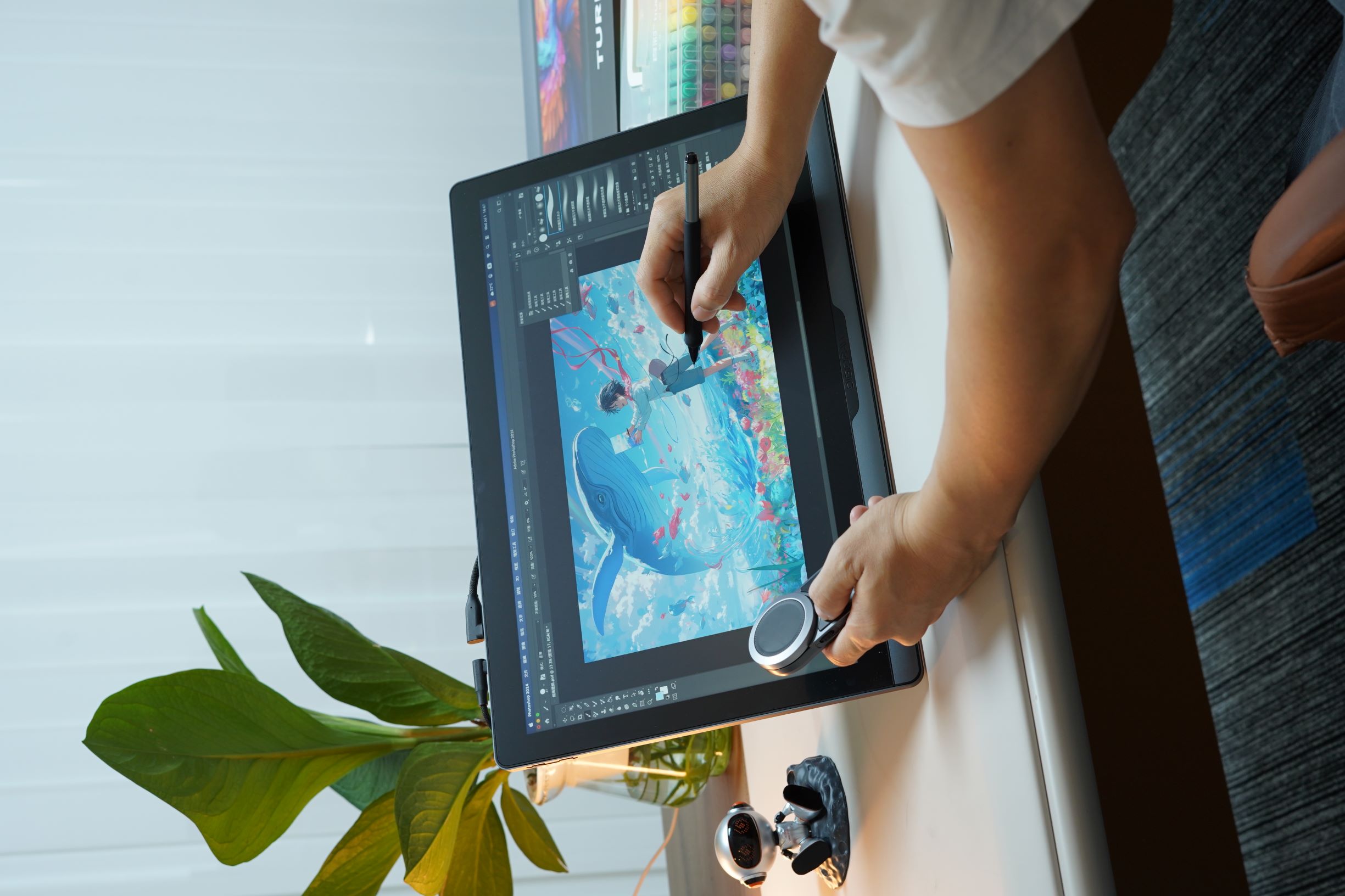 Color is an area where spending more can make a meaningful difference.
A professional display may offer:
For photographers, designers, and illustrators producing commercial work, these improvements can directly affect the final result.
A small color mismatch may not matter when posting a sketch online.
It matters much more when:
This is one area where professional hardware can justify a higher price quite easily.
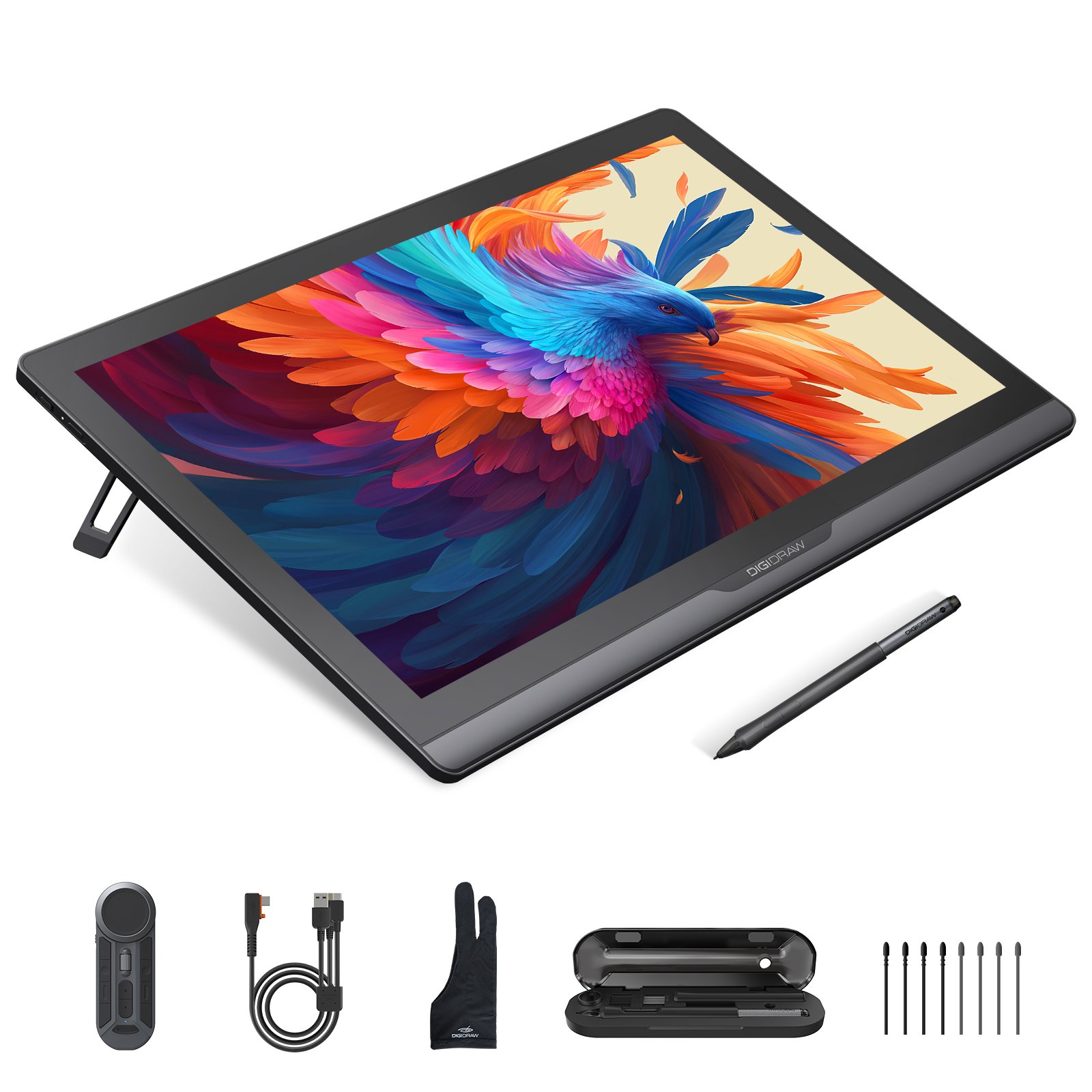 A larger drawing display can provide more room for your artwork, especially when working with large compositions.
But there is a trade-off.
A larger display also means:
For a professional illustrator working at a dedicated desk, a large screen may be a significant productivity improvement.
For a student living in a small apartment or moving between home and school, the same screen may become inconvenient.
A 22-inch display is not automatically more useful than a 16-inch display.
The value comes from how you use the extra space.
Build quality is difficult to appreciate from a product page.
You may not notice much difference when you first unbox two devices.
After several years, however, the difference can become more obvious.
A well-built device may provide:
This does not mean every expensive product will automatically last longer.
But for artists who use the device every day, durability can be a meaningful part of the total value.
One of the least exciting things to talk about is also one of the most important.
Drivers.
The driver connects the hardware with:
A device with impressive hardware can still be frustrating if its driver is unstable.
Common problems include:
For an occasional hobbyist, fixing a driver problem once in a while may be annoying.
For a professional artist working against a deadline, it can interrupt an entire workflow.
This is one reason experienced creators often pay for reliability rather than simply specifications.
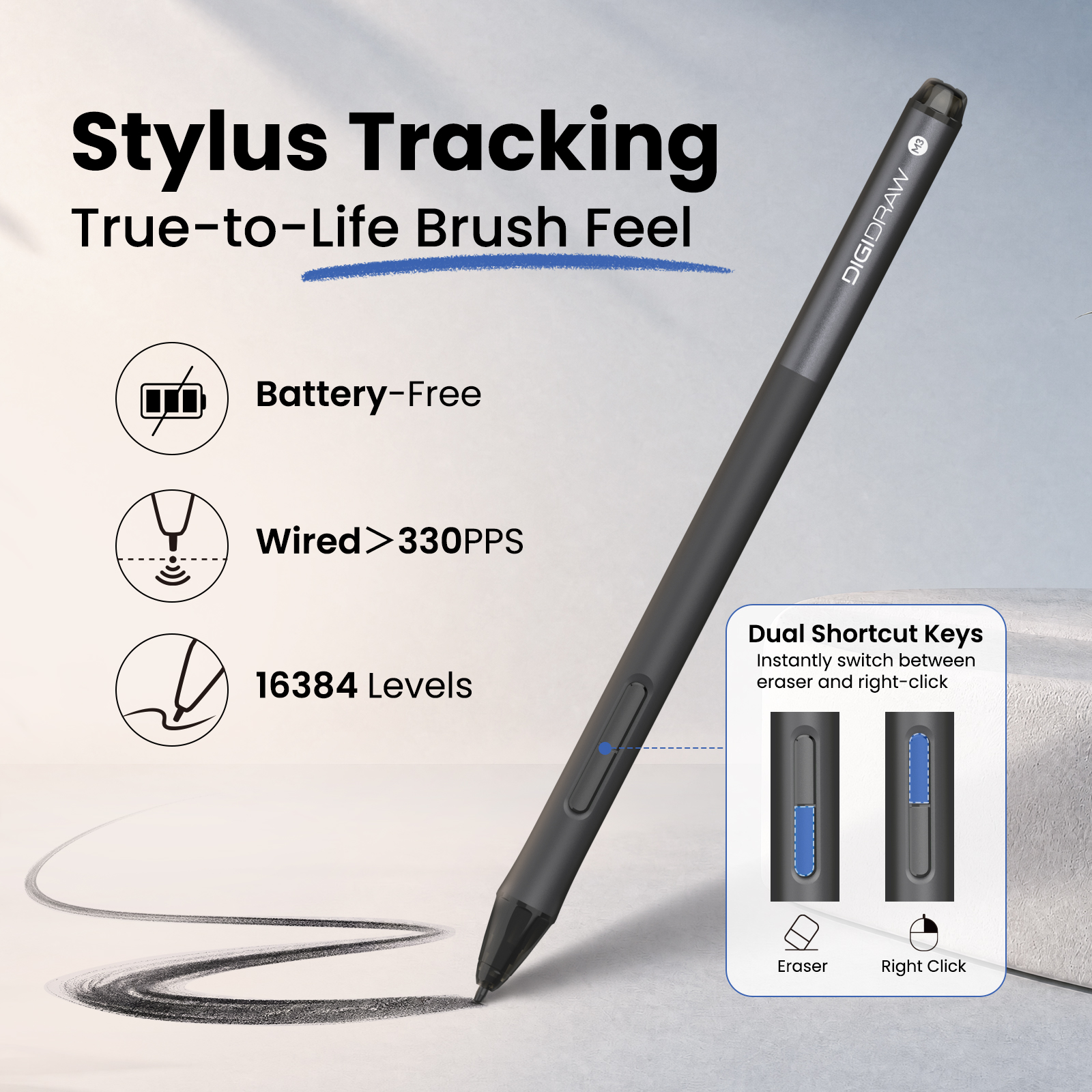 A device can be technically excellent and still be uncomfortable.
Long creative sessions make small ergonomic differences much more noticeable.
Premium devices may offer improvements in:
Consider two drawing displays that perform almost identically.
If one allows you to sit comfortably for six hours while the other leaves your wrist or shoulders uncomfortable, the practical difference is enormous.
This is especially important for:
For these users, comfort is not a luxury.
It is part of productivity.
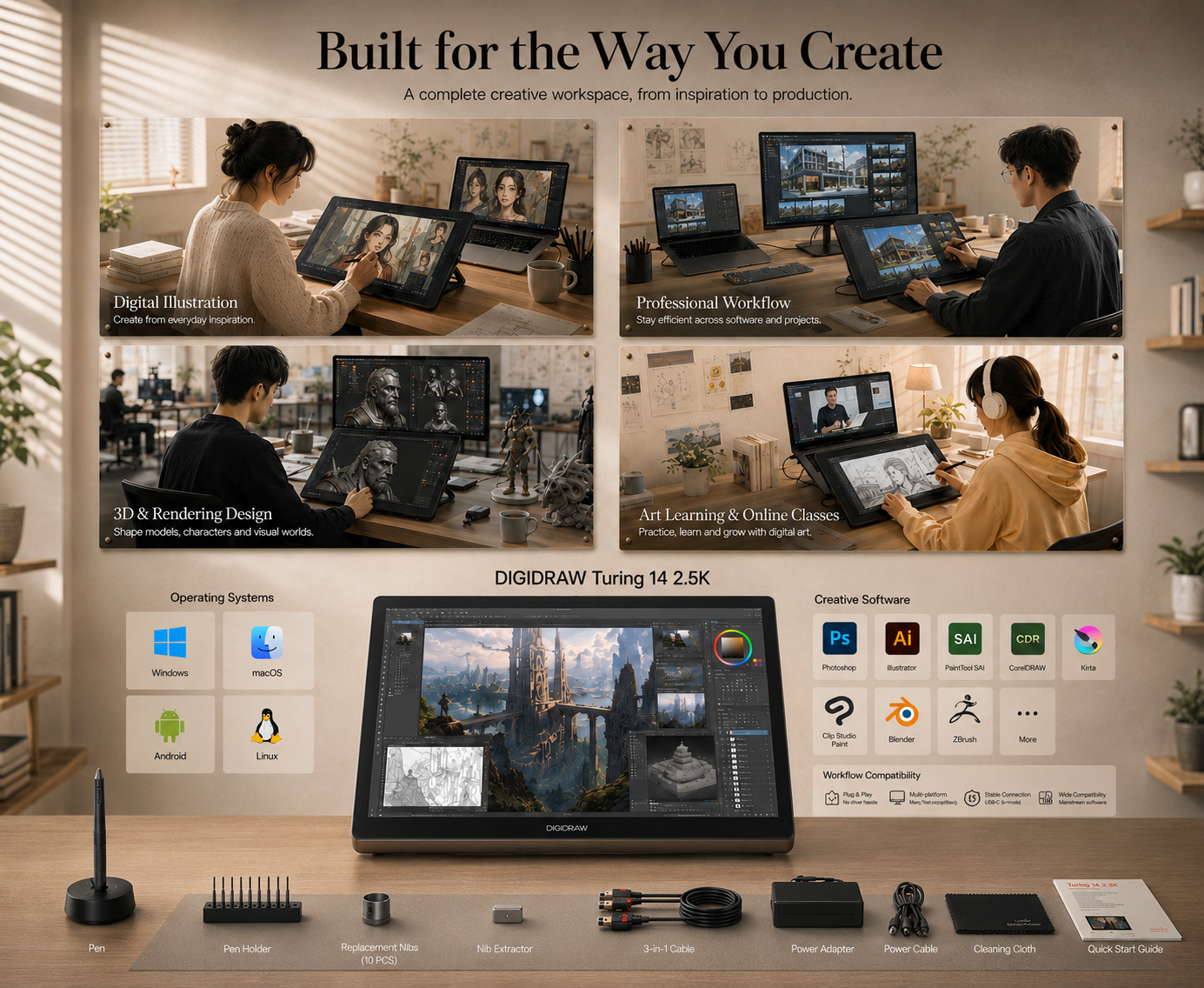 Some premium features do not directly improve the artwork.
They improve everything around it.
Custom shortcut keys.
Dials.
Touch controls.
Better multi-monitor support.
More flexible connectivity.
Better screen positioning.
These features save small amounts of time repeatedly.
One shortcut might only save two seconds.
But if you use it several hundred times a day, the accumulated effect can be significant.
This is one of the least obvious ways professional hardware can justify its price.
You are not necessarily paying for a better drawing line.
You are paying for fewer interruptions.
The price of a device should not always be considered only as an upfront number.
Consider two tablets:
Device A: cheaper, but needs replacing after a few years.
Device B: more expensive, but remains a dependable part of your setup for much longer.
The second device may have a higher initial cost but a lower effective cost over its useful life.
There is also a less obvious benefit:
familiarity.
Artists build muscle memory around their tools.
Changing hardware can mean adapting to:
A reliable device that you are comfortable using can be valuable simply because you do not need to relearn it.
For most beginners, the answer is:
Probably less than they think.
You do not need a flagship pen display to learn digital drawing.
At the beginning, the most important things are:
A premium display will not teach you how to draw.
A more expensive stylus will not improve your anatomy studies.
And 16,384 pressure levels will not make a beginner's lines automatically more expressive.
For someone still exploring digital art, a reliable entry-level or mid-range device is often the smarter investment.
Students often have different priorities.
Budget matters, but so does portability.
A student may need to move between:
A lightweight drawing tablet can therefore provide more value than a large professional display.
At the same time, a student studying illustration, animation or design professionally may benefit from investing in a better display because it will become part of their daily workflow.
The right question is:
Will this upgrade help me learn or work more effectively over the next few years?
If the answer is yes, spending more can make sense.
Instead of upgrading because a newer product exists, look for a specific limitation in your current setup.
You may be ready to upgrade when:
You notice inconsistent pressure, poor tracking, or uncomfortable ergonomics.
You need better color accuracy, more resolution, or a larger workspace.
You are working with larger files, more complex software, or professional projects.
Long sessions are becoming physically tiring.
Driver problems or hardware issues are interrupting your work.
These are meaningful reasons to upgrade.
“There's a new model” is not.
There are situations where paying more simply does not make sense.
A beginner who draws once a week probably does not need a flagship display.
A hobby artist who already owns a good monitor may not benefit much from buying a premium pen display.
A photographer may care more about a calibrated display than maximum pressure sensitivity.
An experienced screenless-tablet user may have no reason to switch to a large pen display at all.
More technology can actually make a product less efficient when most of its features go unused.
The easiest way to understand price differences is to stop asking:
“Which one has better specifications?”
and start asking:
“Which improvements will I actually use?”
For a beginner, that might mean paying for reliability and ease of use.
For an illustrator, it might mean better pen calibration and a larger workspace.
For a photographer, it could mean professional color accuracy.
For an animator, low latency and refresh rate might matter more.
For a full-time professional, ergonomics and long-term reliability can be worth more than almost any headline specification.
There is no universal answer because there is no universal workflow.
Before buying a more expensive drawing tablet, ask yourself five questions:
Identify the actual problem.
Do not pay for specifications just because they are impressive.
Daily benefits add up.
Think beyond the first month.
A $200 upgrade that meaningfully improves an eight-hour daily workflow can be worthwhile.
A $200 upgrade that changes nothing you notice may not be.
A more expensive drawing tablet can absolutely be worth the money.
But its value does not come from the price tag itself.
It comes from what that additional investment changes in your daily creative life.
Better pen response can help an illustrator.
Better color accuracy can help a photographer.
A larger screen can help a concept artist.
More reliable drivers can help a professional working to deadlines.
Better ergonomics can make eight-hour sessions easier to sustain.
But none of those improvements matter equally to everyone.
The smartest upgrade is usually not the most expensive one.
It is the one that removes the biggest limitation in your current workflow.
Buy more when you need more — not simply because more exists.


